Blog/Lean GTM craft
How to replace Clay and HeyReach with one tool
Clay finds and HeyReach sends, but the loop between them is manual: one system removes the border where campaigns stall.
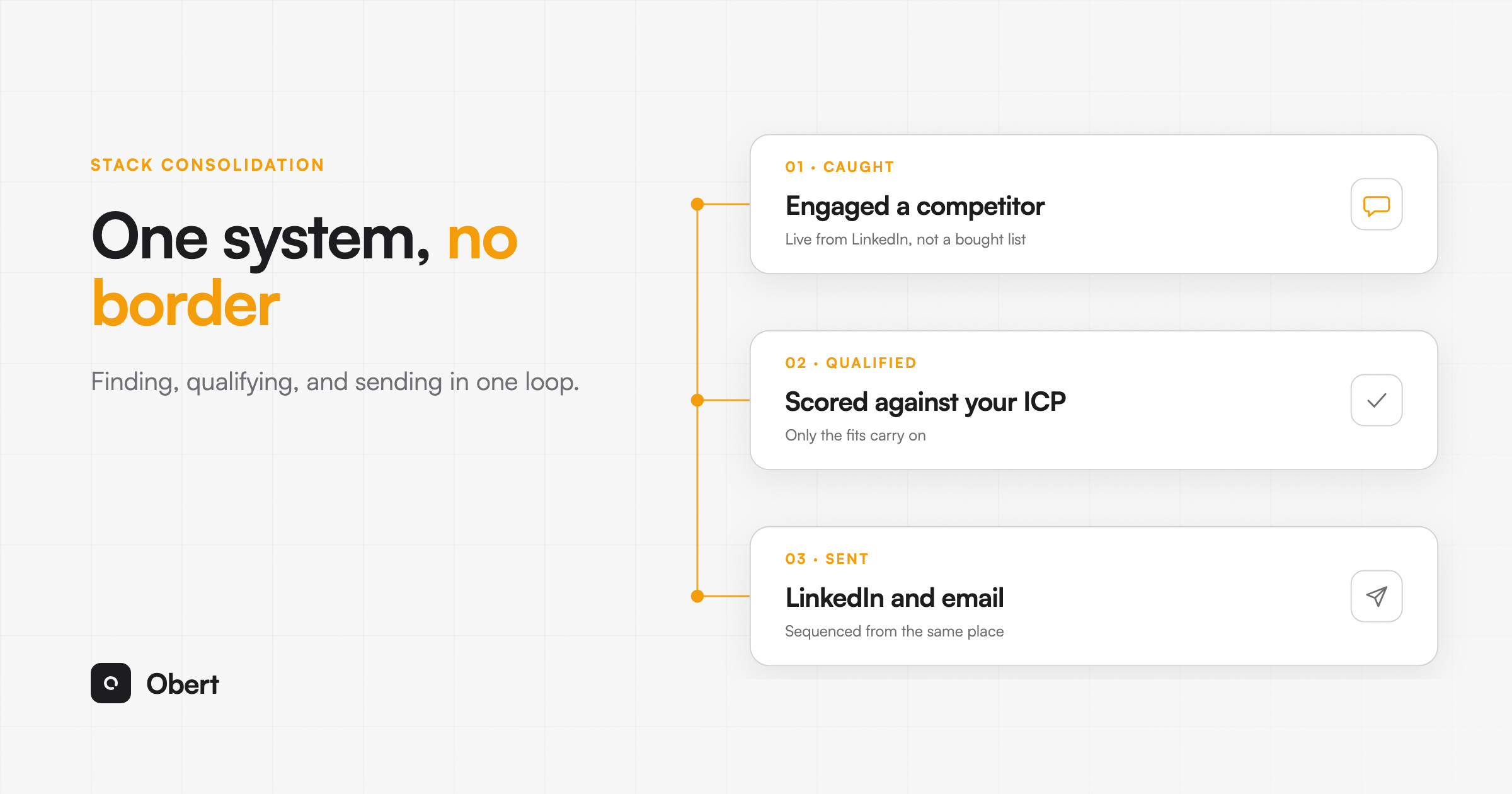
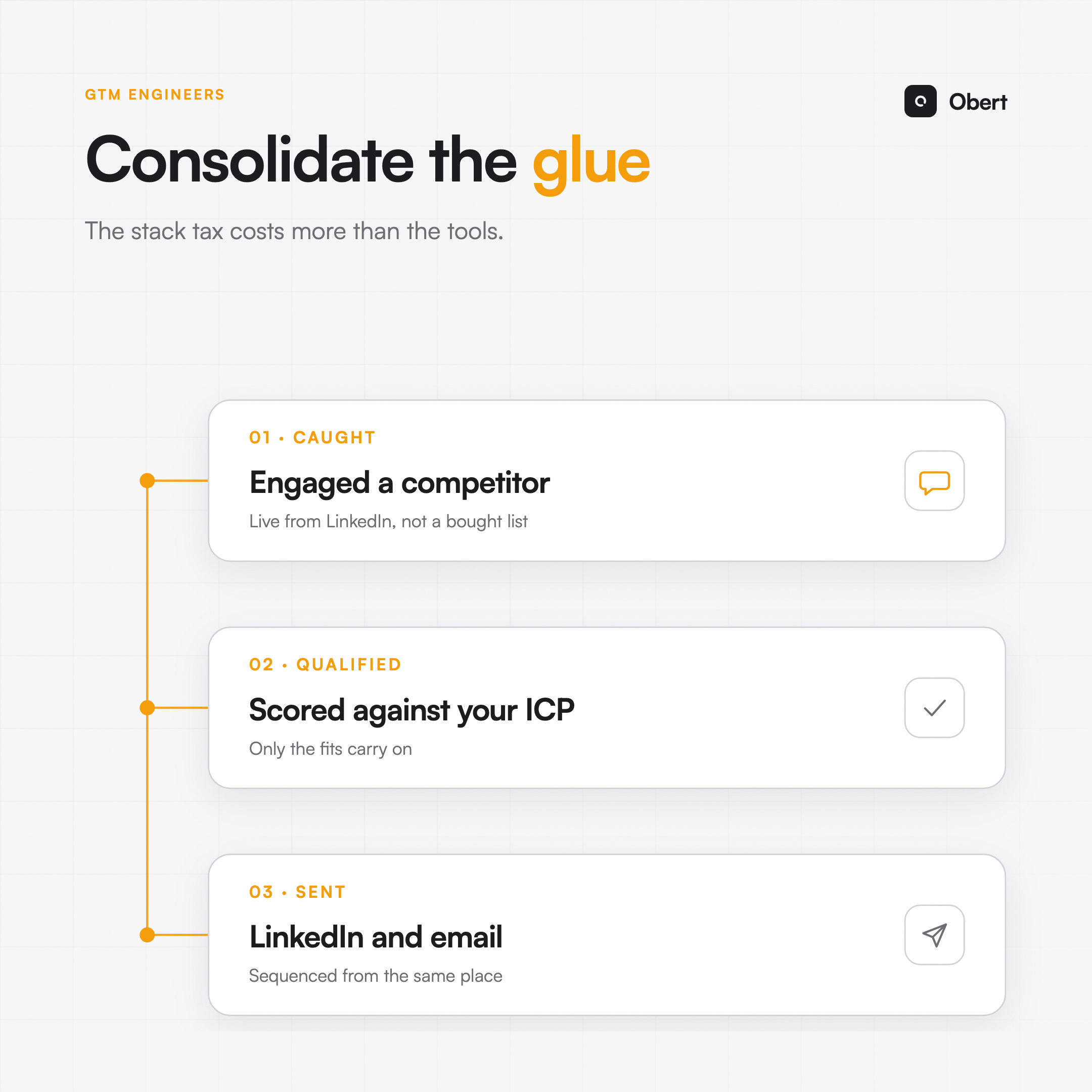
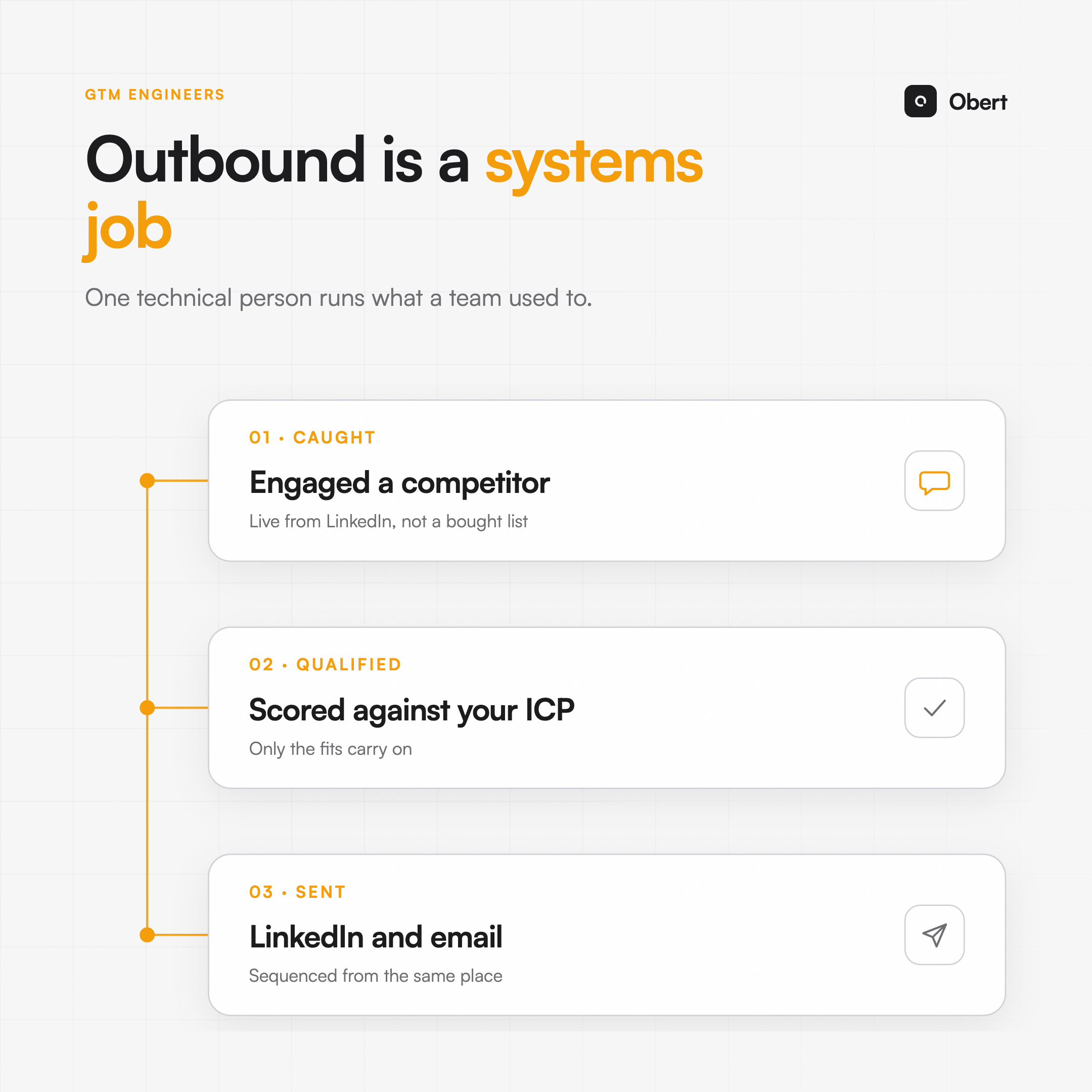
Clay finds and enriches leads; HeyReach sends LinkedIn campaigns. Between them sits the manual loop: export, import, sync replies, reconcile. Replacing both with one system means the finding, qualifying, sending and replying happen in one place, at one bill. Here is what each tool covers, what the pair costs, and how to migrate without breaking anything.
What each tool actually does
Clay is a data workbench: waterfall enrichment, table logic, integrations. Excellent at finding and enriching. It stops at the send: outreach happens elsewhere.
HeyReach is a LinkedIn sender: sequences, multi-account rotation, an inbox. Excellent at sending. It starts after the list exists: data and qualification happen elsewhere.
The pair works. The cost is the border between them, crossed manually for every campaign, plus roughly $185 a month for Clay and $79 for HeyReach at working volumes, before email tools and signals.
What "one tool" has to cover
To honestly replace the pair, a system needs all four: lead finding with enrichment, qualification, LinkedIn sending with an inbox, and the signals that feed the top. That's the checklist for evaluating any consolidation, ours included. The line-by-line versions: Obert vs Clay and Obert vs HeyReach.
The migration, step by step
Week 0: move the definitions, not the data. Recreate your ideal customer rules as qualification agent rules. Port your best two sequences. Connect your LinkedIn accounts and let warmup begin.
Weeks 1 to 2: run in parallel. New campaigns start in the new system; running HeyReach sequences finish where they are. Never migrate a lead mid-sequence.
Week 2: move the top of funnel. Point your signals (visitors, engagers, keywords) into the new system so new leads are born qualified.
Week 3: compare and cut. Same audience type, old loop vs new. Compare reply rates and, more telling, hours per campaign launched. Then cancel what lost.
What you gain and what you give up
Gained: one bill, one data home, and campaigns that launch the same day the idea arrives, because nothing crosses a border.
Given up: Clay's long tail of exotic enrichments and table tricks. If a specific waterfall genuinely earns its border, keep Clay for that one job; consolidation is about the loop, not purity.
Obert covers the full checklist: finding, qualification, sending, inbox, signals, in one system at $99 a month for one seat. Try it now. 7-day free trial, cancel anytime.
Matan Kleyman
Founder, Obert
Building Obert. The LinkedIn outbound system for founders and lean GTM teams. Previously scaled outbound motions at early-stage B2B startups.