Buying signals that tell your team who to contact today
Obert Signals shows which prospects are showing buying signals right now. It tracks people who viewed your LinkedIn profile, engaged with your posts, followed your company page, engaged with a competitor's posts, posted about your keywords, or visited your website. Each lead arrives with the signal that surfaced it and is checked against your ICP before outreach.
7-day free trial, cancel anytime.Cold outreach gets ignored on every channel. The messages that still get answers go to people with a real reason to talk now.
How it works
- Step 01Pick your signals.Choose what Obert watches for.
- Step 02Leads arrive with evidence.Each lead shows what they did and when.
- Step 03Every lead is checked against your ICP.
- Step 04Reach out from the signal.Obert drafts a one-to-one message from what the lead did. You review, edit and send.
Signals you can track
A message built from what the lead did
Signal leads get a one-to-one draft from their signal. Review, edit and send from the same queue as your campaigns.
Specifics
 Signals4 rows
- 01Signal sources
- LinkedIn, your website, Hacker News, custom webhook
- 02Evidence shown per lead
- The signal that surfaced them
- 03ICP check
- Every signal lead
- 04Outreach
- One-to-one draft per lead, approved by you
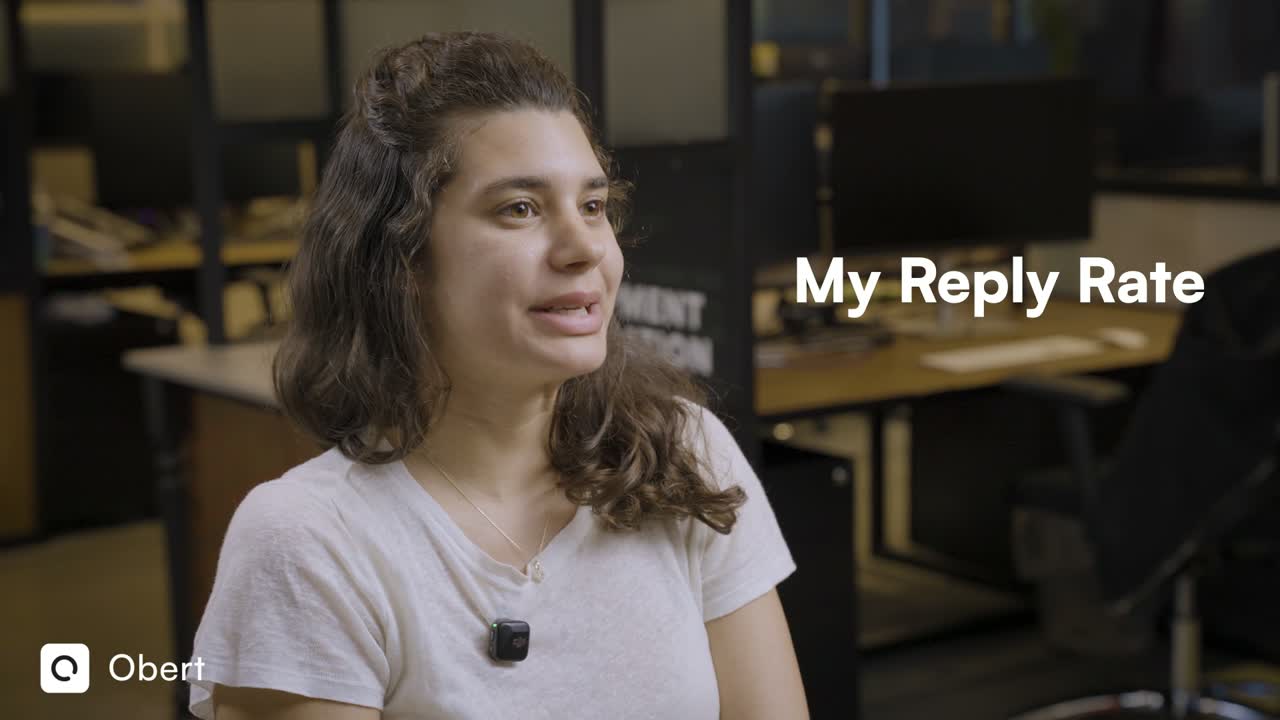
"With Obert, 4 out of 10 people answer me."
Questions
A buying signal is an action that shows a person may be in the market, such as viewing your profile, engaging with a competitor's post or visiting your pricing page.
Profile views, reactions and comments on your posts, new company page followers, posts about your keywords or an upcoming conference, and repeat visits to your pricing or demo pages.
Watch the places buyers act: LinkedIn, your website and the communities they post in. Obert tracks these sources for you and shows each lead with the signal that surfaced them.
Profile viewers, content engagers, company page followers, competitor post engagers, keyword and conference posts, website visitors, Hacker News posts and leads sent by custom webhook.
The lead is checked against your ICP. If it fits, Obert drafts a one-to-one message from the signal, and you review, edit and send it.
Last updated: October 2026